
Reels
Video that sells straight from the video.
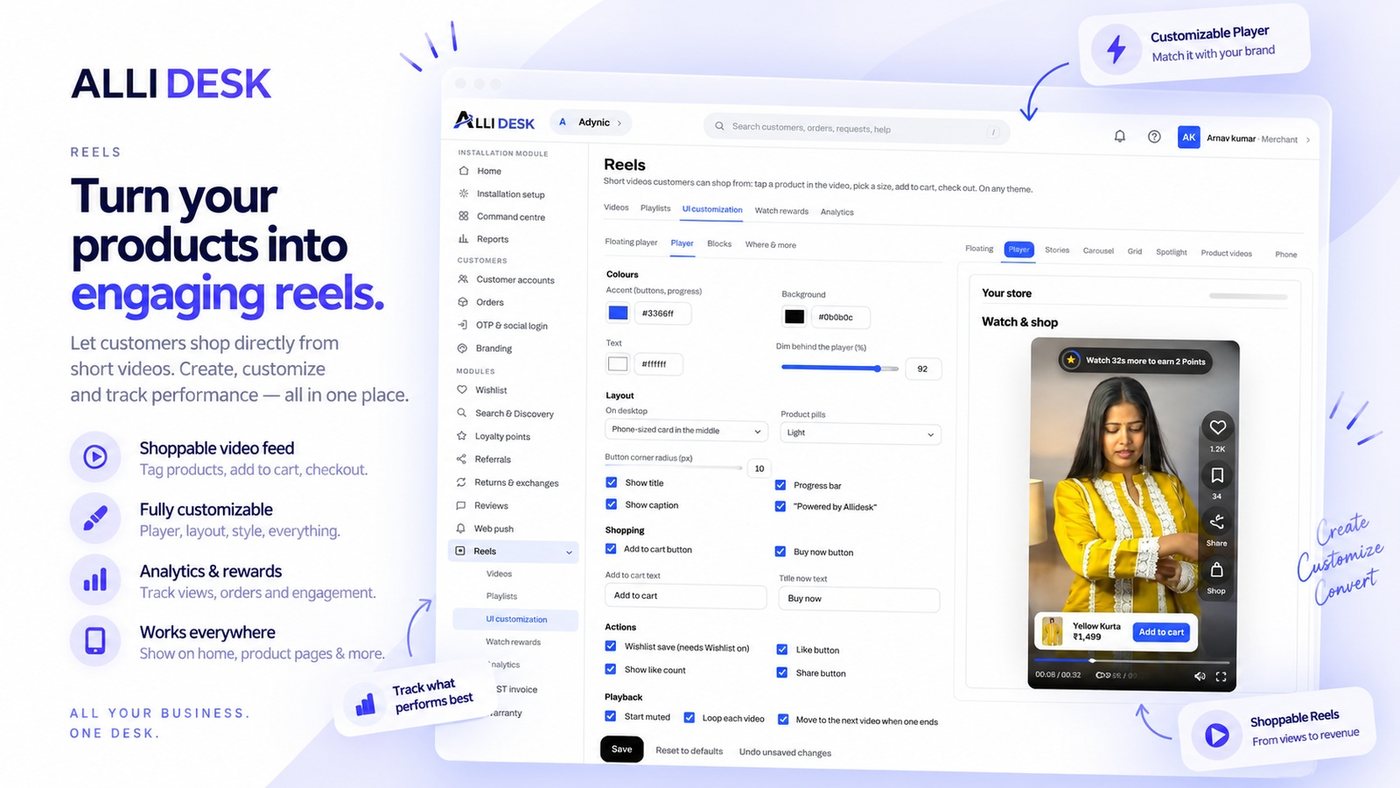
Shoppable short videos: stories, carousels, a floating player on product pages, add to cart and checkout without leaving the video.
Switching it on
- Switch the module on with the toggle at the top of this page.
- Open Videos and upload a video, then tag the products it sells.
- Turn the AlliDesk app embed on in your theme for the floating player, and add a Reels block in Themes → Customize wherever you want a row of videos.
- Open UI customization to set how the player and the videos look.
It is live when: The module is on, at least one video is published, and the app embed is running.
What your customer sees
A "Reels" tab in their account on your own domain, in your branding — no second login, no app that looks like somebody else's.
Everything on the storefront is a theme block or the app embed, so there is no theme code to edit and nothing to undo if you switch the module off.
Questions merchants ask
How do I get videos onto my shop?
Upload under Reels → Videos and tag the products in each one. The floating player needs only the app embed; rows, stories and grids are theme blocks you place where you want them.
Can shoppers buy from inside a video?
Yes. The card at the bottom of the video opens the product sheet with add to cart and buy now, so nobody has to leave the video.
What are watch rewards?
Points for watching, when Loyalty is on. A signed-in customer earns them for each reel watched to the end, with bonuses for watching several; you cap how many reels pay in a day.
Works with
Every module shares the same customer, so these need no setting up twice.