
Referrals
Your best customers bring the next ones.
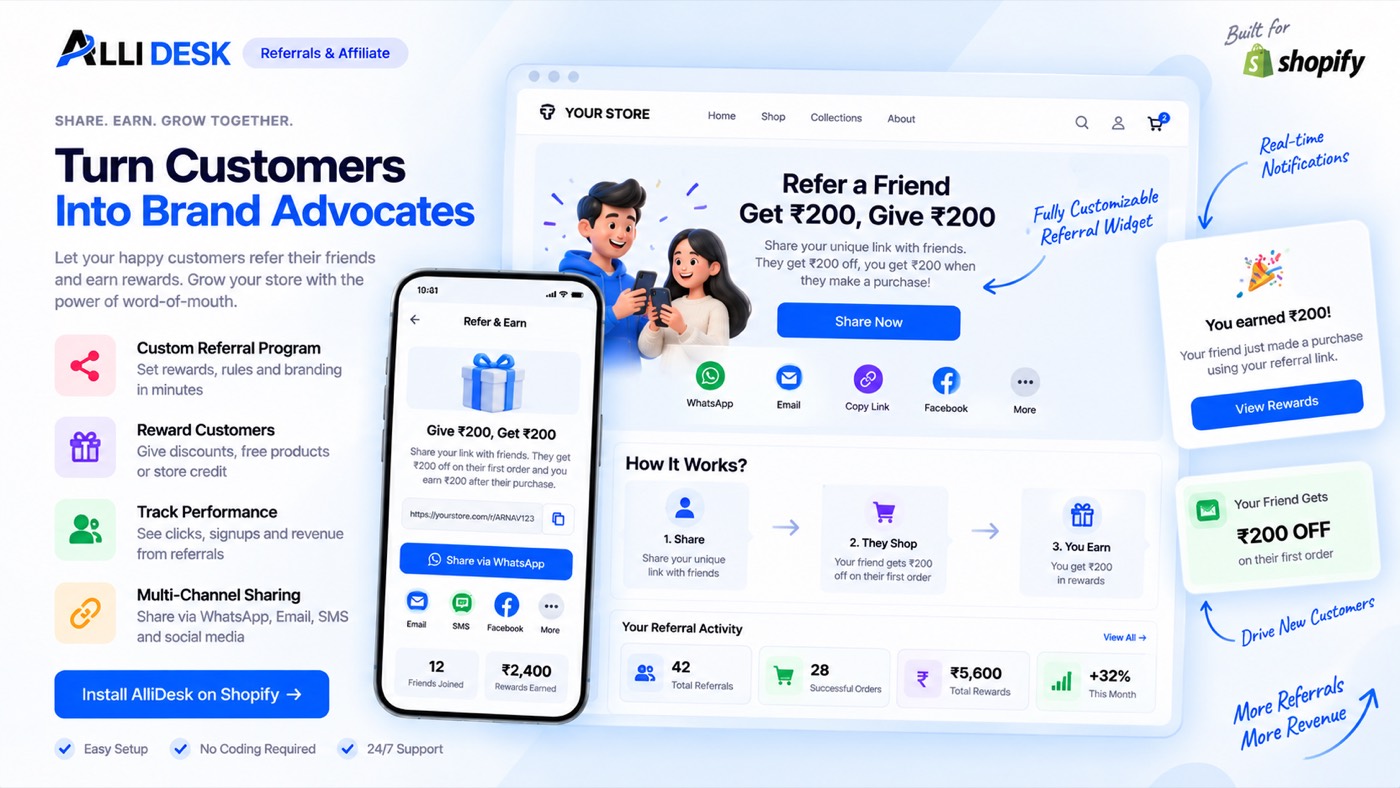
A personal link for every customer; both sides get a reward on the first paid order.
Switching it on
- Switch the module on with the toggle at the top of this page.
- Open Settings and set what the friend gets and what the referrer gets.
- Turn the AlliDesk app embed on in your theme, so the share page works on your storefront.
- Open your own account page on the storefront and copy a referral link, to see the whole path once.
It is live when: The module is on and the app embed is running, so customers can share their link.
What your customer sees
A "Referrals" tab in their account on your own domain, in your branding — no second login, no app that looks like somebody else's.
Everything on the storefront is a theme block or the app embed, so there is no theme code to edit and nothing to undo if you switch the module off.
Questions merchants ask
How does a referral work?
Every signed-in customer gets a personal link from their account. When a new customer orders through it, both sides get the reward you set under Referrals → Settings.
What stops someone referring themselves?
A referral only counts for a first order from a different customer, and rewards are released with the order like points — a cancellation takes them back.
Works with
Every module shares the same customer, so these need no setting up twice.