
Returns & exchanges
Returns handled in the account, not in your inbox.
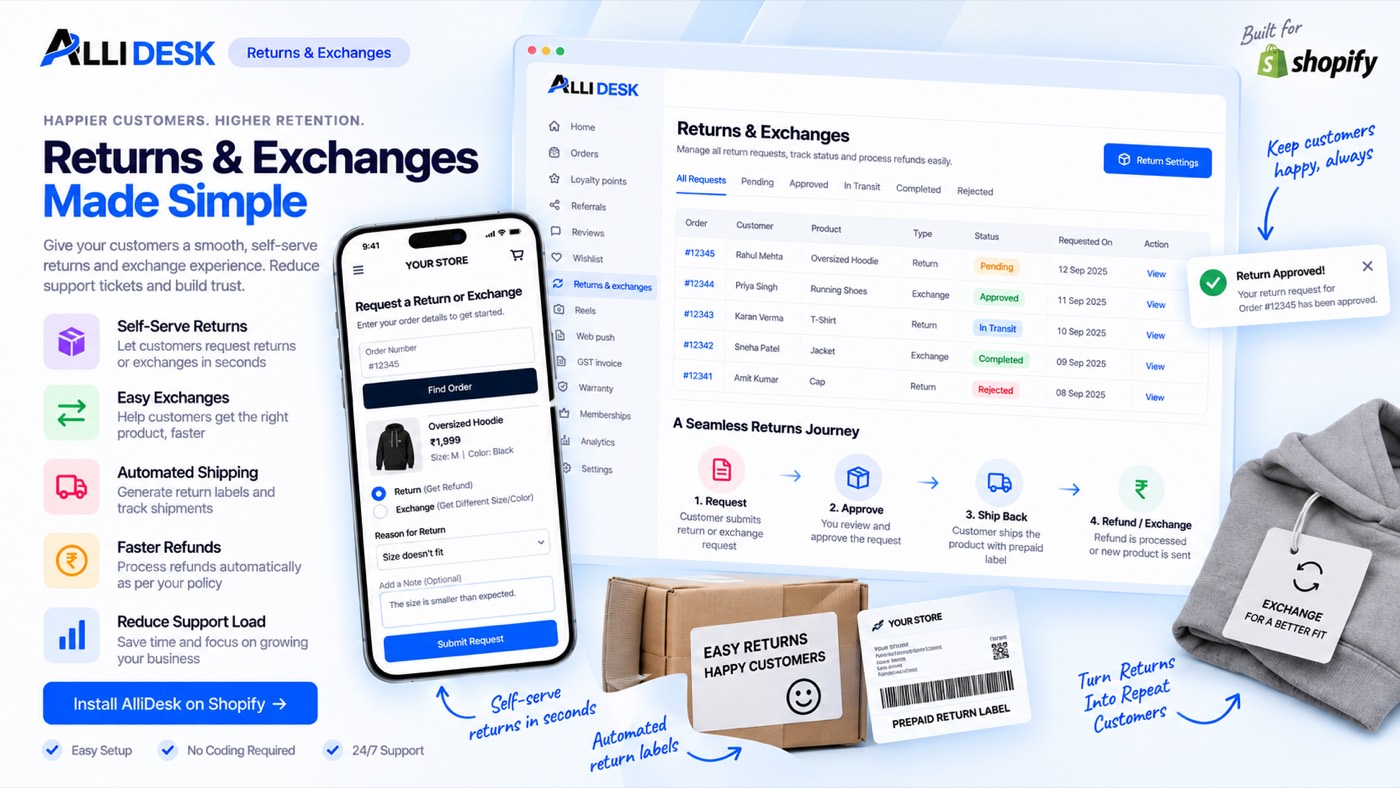
Returns, exchanges and replacements from the order page, with pickups through your courier.
Switching it on
- Switch the module on with the toggle at the top of this page.
- Open Policy and set your windows, any fee, and what a refund goes back to.
- Open Reasons to choose the reasons a customer may pick.
- Open Locations & couriers so approved returns have somewhere to go.
It is live when: The module is on. Set your policy before the first request arrives.
What your customer sees
Nothing of ours with our name on it: this module works behind your storefront and your own emails.
Everything on the storefront is a theme block or the app embed, so there is no theme code to edit and nothing to undo if you switch the module off.
Questions merchants ask
How does a customer raise a return?
From the order in their account, inside the window set in Returns → Policy. They pick a reason, add photos if you ask for them, and you approve or decline from the dashboard.
How does a pickup get booked?
Connect a courier account under Locations & couriers and assign it to a location. On an approved request, Book pickup creates the reverse pickup and stores the AWB. You can also enter an AWB by hand.
How are refunds made?
Every refund is made on the order in Shopify when you settle a return: back to the payment the order was paid with, or as Shopify store credit. A cash on delivery order was paid in cash, so its refund is recorded on the order against that payment and you pay the money into the bank account the customer entered.
What is an exchange?
The customer picks a different size or variant instead of money back. You approve it the same way; the replacement goes out as a new order.
Works with
Every module shares the same customer, so these need no setting up twice.