
Web push
A message on their phone, even when your shop is closed.
Notifications on a shopper's phone or desktop, even when your shop is closed in their browser. Works for guests who have never bought anything.
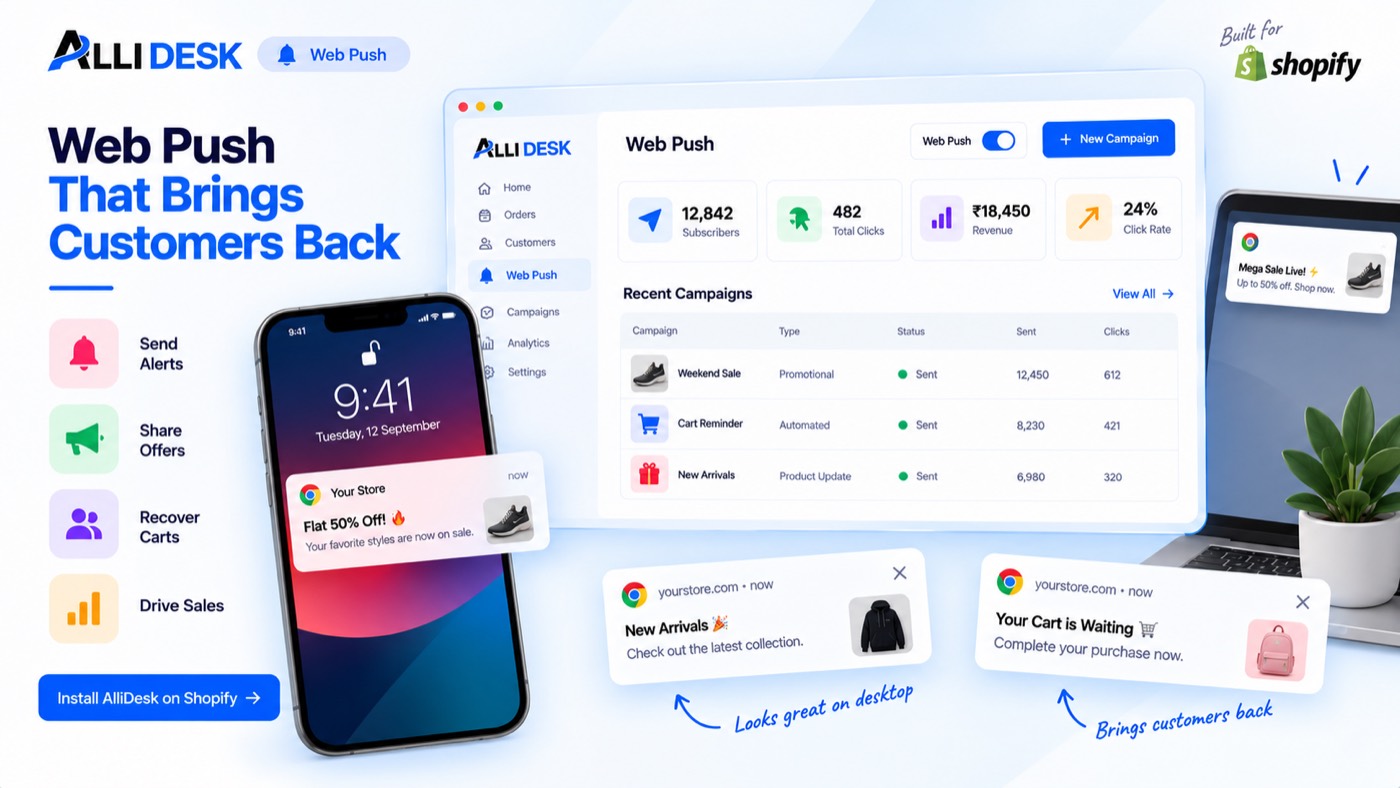
Switching it on
- Switch the module on with the toggle at the top of this page.
- Turn the AlliDesk app embed on in your theme (Online Store → Themes → Customize → App embeds), or nobody is ever asked to subscribe.
- Open Customize and pick how the invitation appears: a card, a bar or a bell.
- Open Automations and switch on the messages you want sent for you.
It is live when: The module is on and the app embed is running, so shoppers can be asked to subscribe.
What your customer sees
Nothing of ours with our name on it: this module works behind your storefront and your own emails.
Everything on the storefront is a theme block or the app embed, so there is no theme code to edit and nothing to undo if you switch the module off.
Questions merchants ask
What is web push good for?
Restocks, price drops, abandoned carts and your own broadcasts — on a shopper's phone or desktop, even when your shop is closed. It needs the app embed, and the shopper has to allow it once.
Why does my shop ask before the browser does?
Because a browser asks once and once only. AlliDesk's own card asks first, in your words; the browser's box opens only for someone who already said yes.
Can I send messages on WhatsApp?
Yes. WhatsApp goes through the tool you already use: under Settings → Integrations → WhatsApp & marketing tools, connect Spur, BIK, Interakt, WATI, AiSensy, Zapier or any tool with a webhook URL, tick the events, and your tool sends them from its own templates. The full guide is at doc.allidesk.com/developers/webhooks.
Which events can go to my WhatsApp tool?
Every message AlliDesk has: sign-in codes, COD confirmation, return and exchange updates, points earned and tier changes, referral rewards, review requests and coupons, wishlist price drops and restocks, GST invoices, warranty updates, and store alerts for your team. Pick them per connection; each shows under Recent deliveries with your tool's answer.
Which emails go out from my own address?
Every customer email except the sign-in code, once you connect your SMTP under Email: order updates, points, referral rewards, review requests, wishlist alerts and the rest. Sign-in codes are always sent by AlliDesk, by email from its own address and by phone, so signing in never depends on your mailbox. Until you connect one, AlliDesk also sends your GST documents.
What are Alerts for?
Your team, not your customers: low stock, a new return request, a cash-on-delivery order nobody has confirmed. Pick the ones worth interrupting someone for and who receives them.
Works with
Every module shares the same customer, so these need no setting up twice.