WhatsApp OTP login on Shopify: phone sign-in Indian shoppers finish
Indian shoppers live on WhatsApp, and that is where a sign-in code reaches them fastest. How WhatsApp OTP login works on a Shopify store, and how to switch it on without touching your theme.
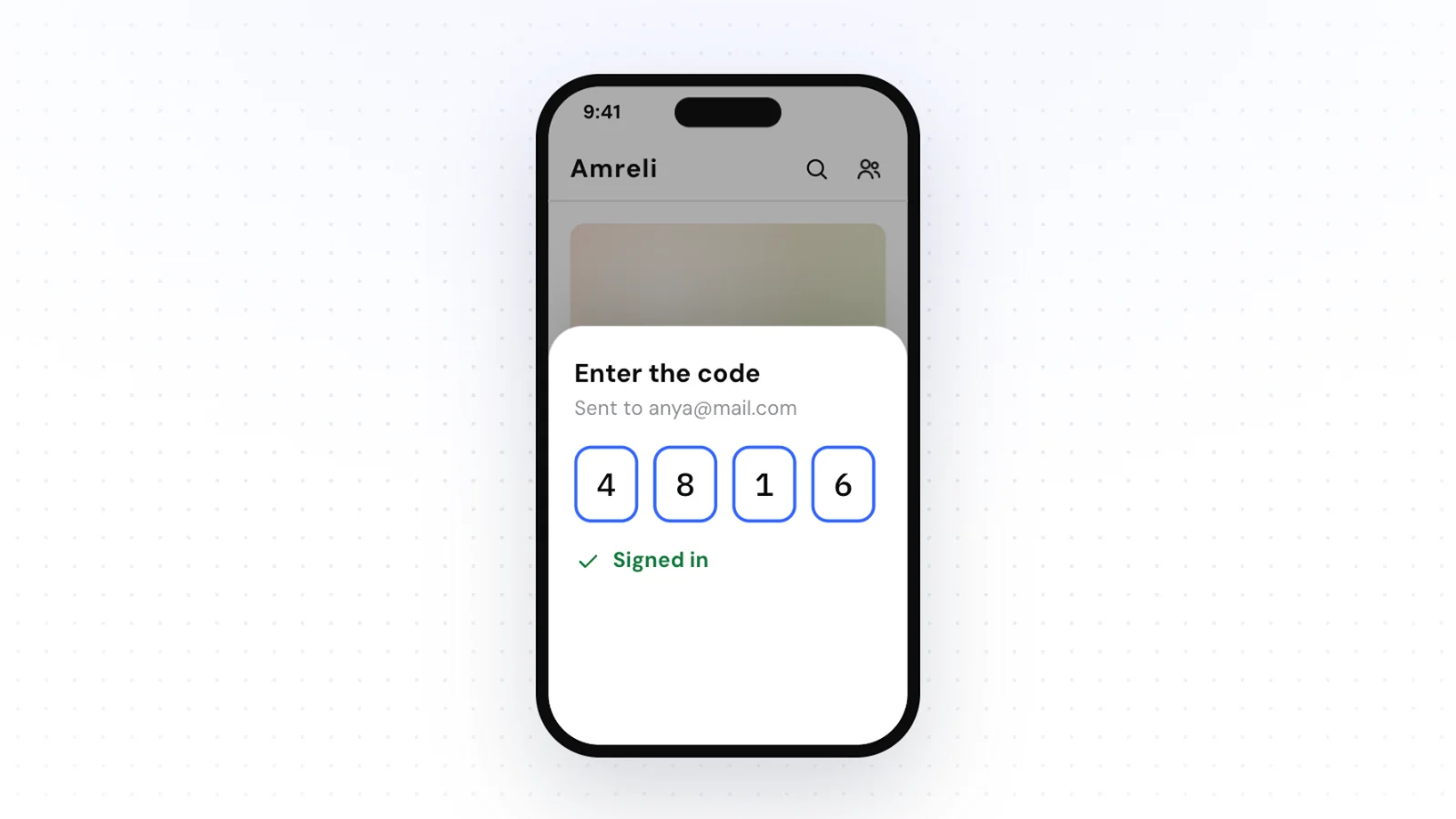
Indian shoppers live on WhatsApp, and that is where a sign-in code reaches them fastest. WhatsApp OTP login lets a customer type their mobile number on your Shopify store, receive a code on WhatsApp and be signed in: no password to make up, no email to dig out of a promotions tab.
This guide covers why phone sign-in suits Indian shoppers, why the code goes to WhatsApp before SMS, and how to switch it on. For one-time codes in general, by phone and by email, see How to add phone OTP login to your Shopify store.
Shopify login with a phone number in India
Shopify's own customer login is built around an email address. Many Indian shoppers, especially outside the big cities, think of their mobile number as who they are online: it is what they give at checkout, what the courier calls, and what their UPI app is tied to. Their email inbox is often an afterthought.
Asking that shopper for an email and a password at sign-in is where accounts get abandoned. Asking for the number they already know by heart, and sending a code to it, is not.
Why the code goes to WhatsApp first
It arrives where they already are. The code lands in an app the shopper has open all day.
It is easy to find. A WhatsApp message from the store stands on its own, instead of sitting between bank alerts and offers in the SMS inbox.
SMS is still there. If a number is not on WhatsApp or the message cannot be delivered, the code is sent by SMS instead, so nobody is locked out.
What WhatsApp OTP login looks like for your shopper
The shopper taps Sign in on your store, or sees the sign-in window when they arrive, and chooses Phone.
They type their 10-digit mobile number and get a code on WhatsApp, or by SMS if WhatsApp cannot deliver it.
They type the code and are signed in. If your Shopify store already has a customer with that number, they are signed in as that customer; if not, a new Shopify customer is created with the verified number.
They land in their account on your own domain: orders, invoices, points, wishlist and returns, in your branding.
A code lasts ten minutes and allows five tries, and a new code to the same number can be asked for after thirty seconds.
How to switch on WhatsApp OTP login on your Shopify store
Install All iDesk from the Shopify App Store and open it from your Shopify admin.
In Shopify's theme editor, open App embeds and switch on AlliDesk. Nothing in your theme's code changes.
Open the Login module in All iDesk. Phone sign-in is on by default, alongside email.
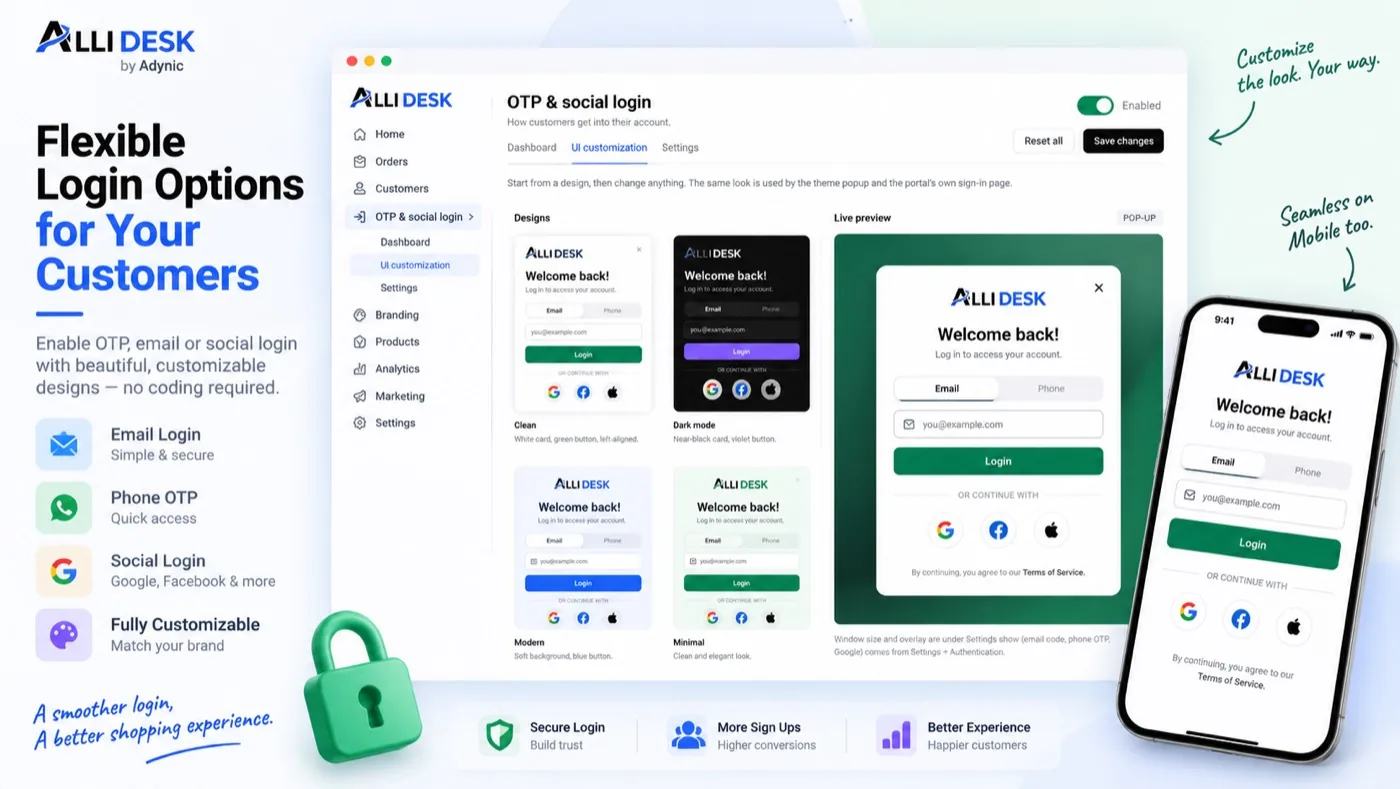
Pick a design for the sign-in window and set your colours, then decide whether new customers may create an account by code (on by default).
Phone codes are included in every All iDesk plan, so there is no SMS account, sender ID or message wallet of your own to set up. Phone sign-in works with Indian mobile numbers.
Other ways to sign in, in the same window
Not every shopper wants to type a number. The same window offers:
A code by email, always available, for shoppers outside India or anyone who prefers it.
Continue with Google, for shoppers already signed in to their Google account.
Truecaller, on Android phones, which signs the shopper in with the number Truecaller has already verified.
Whichever they choose, they land on the same Shopify customer and the same account page.
Common questions
Does WhatsApp OTP login work with Shopify's new customer accounts?
Yes. It works with both new and classic customer accounts. Shopify's own login stays in place for checkout.
What if the shopper does not use WhatsApp?
The code is sent by SMS instead, so they can still sign in.
Will it create duplicate customers?
No. A shopper who signs in by phone is matched to the Shopify customer with the same mobile number, and one who signs in by email to the customer with that email. A new customer is created only when there is no match.
Can shoppers outside India sign in by phone?
Phone codes are for Indian mobile numbers. Shoppers abroad sign in with a code by email, or with Google.
Sign-in by WhatsApp, on any theme. Phone and email codes, Google and Truecaller, and an account page on your own domain. See the Login module →
Put this to work on your store
All iDesk brings sign-in, loyalty, returns and GST invoices into one Shopify app, on any theme.